
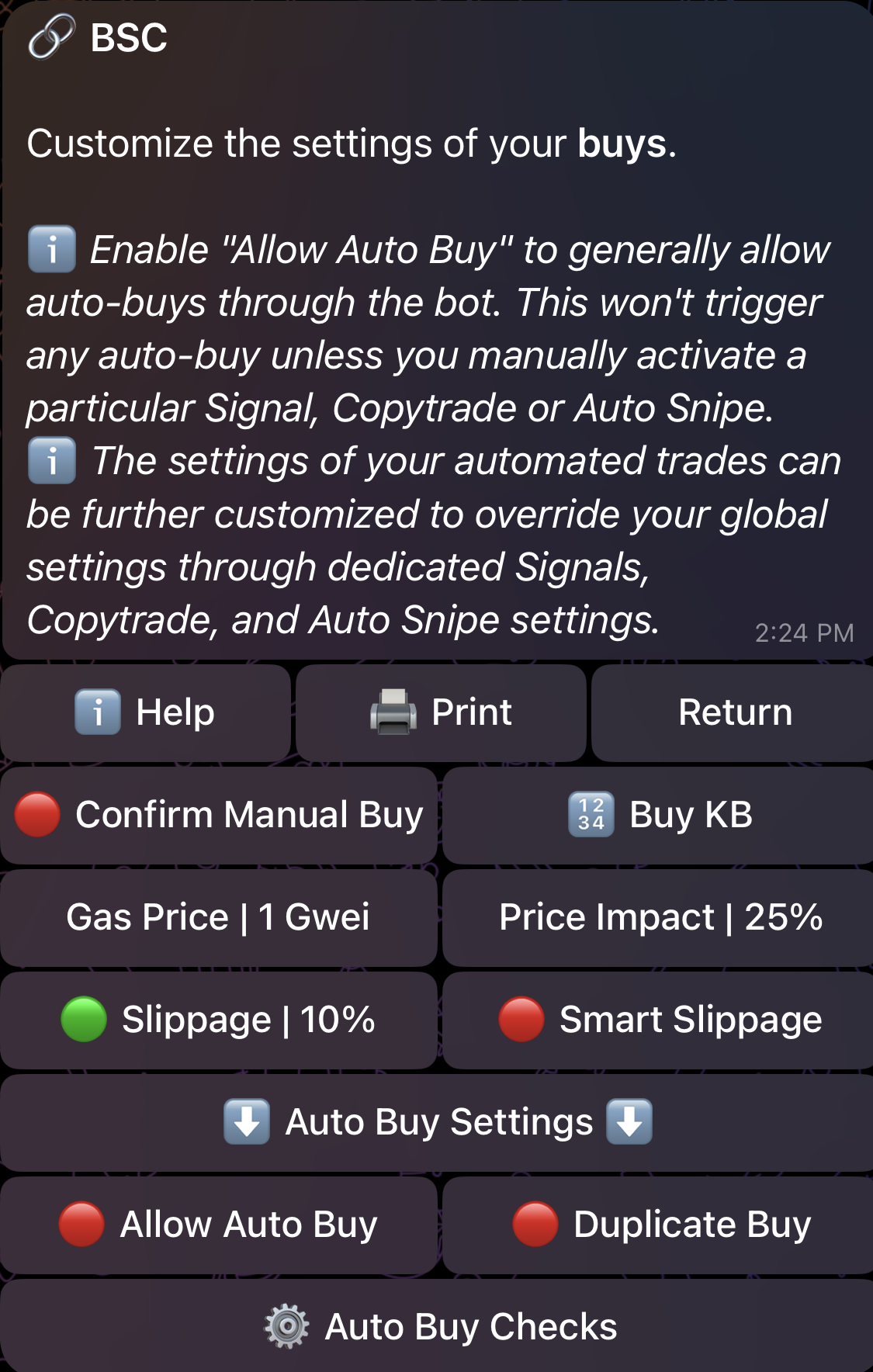
🟢 | 🔴 Confirm Manual Buy
If enabled 🟢, any buy buttons you press will require an additional confirmation. This can protect you from accidentally clicking buy buttons. This only impacts manual buys and does NOT interfere with _Auto Buy_.🔢 Buy KB
Assign customized values to the buy keyboard as shown below. You also have the option to reset the values to the default ones.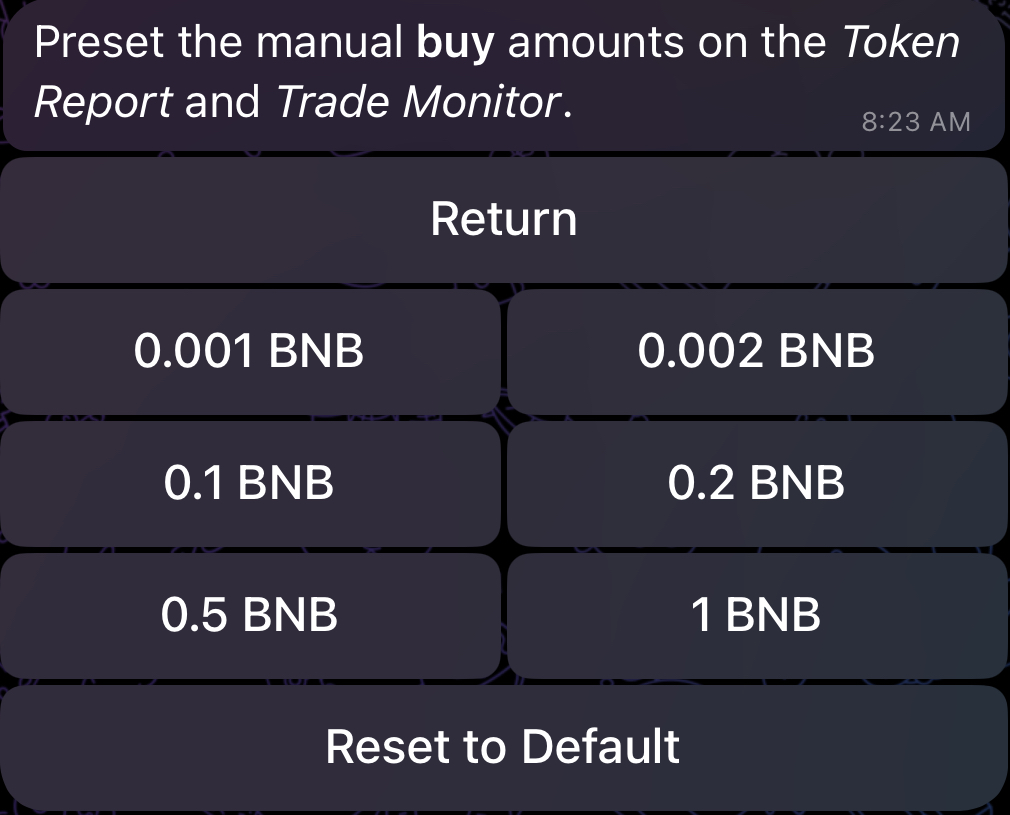
Gas Price
Exclusive to BSC Choose the preferred gas price you would like to use. Your gas price determines your transactions’ priority on the blockchain. The higher the price, the quicker the transactions will go through, but you’ll have to pay higher gas fees. If you’re on Ethereum, Base, Avalanche, Sonic or Solana, you’ll encounter Gas Delta instead of Gas Price:Gas Delta
Exclusive to Ethereum, Base, Avalanche, Sonic and Solana For Ethereum, Base, Avalanche and Sonic, Gas delta will act as the max priority gwei on a Type-2 ETH transaction. Essentially, the bot will automatically adjust to the current gas average, and then add the chosen Gas Delta on top of it. Example:- Gas average is 10 gwei
- Set Gas Delta to 3 gwei for example
- Your transaction’s gas price will now be 10 (base) + 3 (priority) gwei
Price Impact Alert
As an additional layer of protection, the bot will automatically display an alert for manual and automated buys when the estimated price impact of the trade is beyond the value of Price Impact Alert. This alert can be bypassed by manually forcing the trade through, as shown in the figure below. By default, Price Impact Alert is set to 25% for buys but you can tune the value to effectively control the threshold at which the alert will be displayed.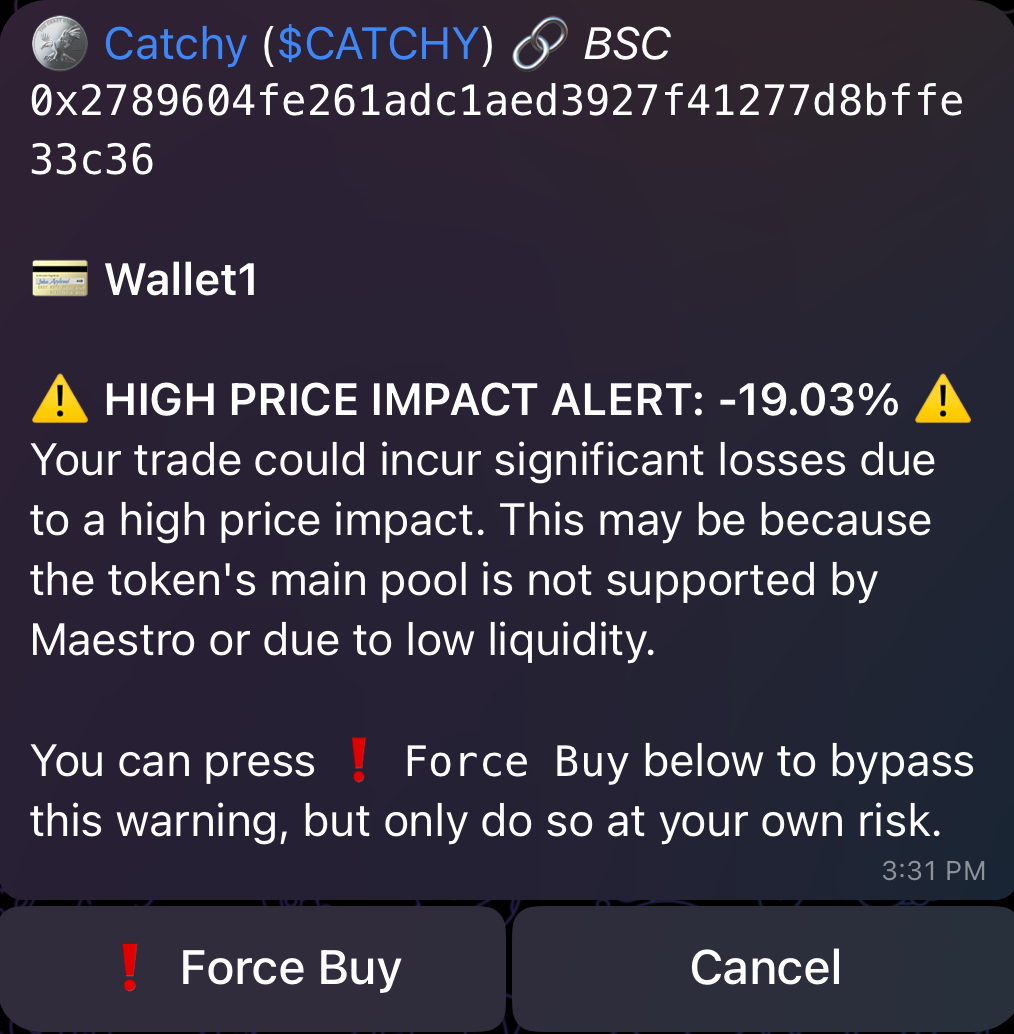
🟢 | 🔴 Slippage
Choose the slippage tolerance for your buys. In some chains, using extremely high slippage values is dangerous since you can get frontrun by MEV bots, so please use a suitable value, or utilize Smart Slippage.🟢 | 🔴 Smart Slippage
Exclusive to ETH, BSC, Base, Avalanche, Sonic and Arbitrum This allows slippage to automatically adjust based on the token’s taxes and the price impact of your trade. This is not suitable for volatile situations like launches and snipes. We recommend you pair it with high Gas Price/Delta. Keep in mind that _Smart Slippage_** overrides any custom slippage values you might have selected earlier.** In other terms, when Smart Slippage is enabled 🟢, Slippage is disabled 🔴 and vice versa. In most cases, manual buys will rely on the _Gas Price/Delta*** and **Slippage** settings specified in your ***Global Buy Settings_, so make sure you configure them properly.🟢 | 🔴 Allow Auto Buy
If enabled 🟢, auto-buys will now be allowed to trigger for pasted contracts, signals, and/or copytrade wallets that you have set up. However, enabling this does NOT force you to auto-buy UNLESS you have also enabled Auto Buy for pasted contracts, signals and/or copytrade wallet (more on this in Sections 5 and 8). If you want to allow auto-buys in general, make sure that Allow Auto Buy is enabled 🟢 here as a first step.⚙️ Auto Buy Checks
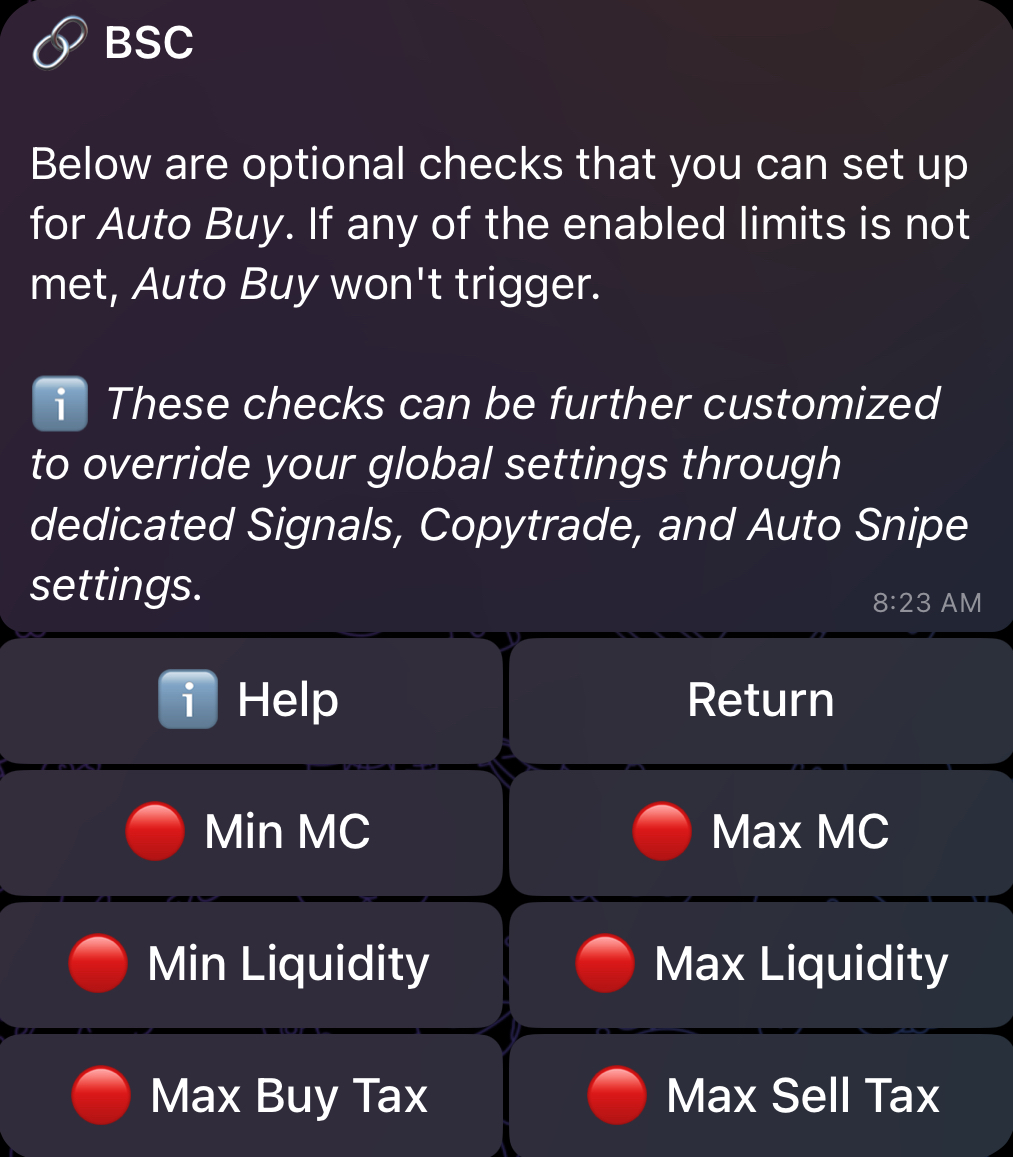
Includes optional checks and limits that you can set up for Auto Buy, as shown in the figure below. If any of the enabled limits is not met, Auto Buy won’t trigger.